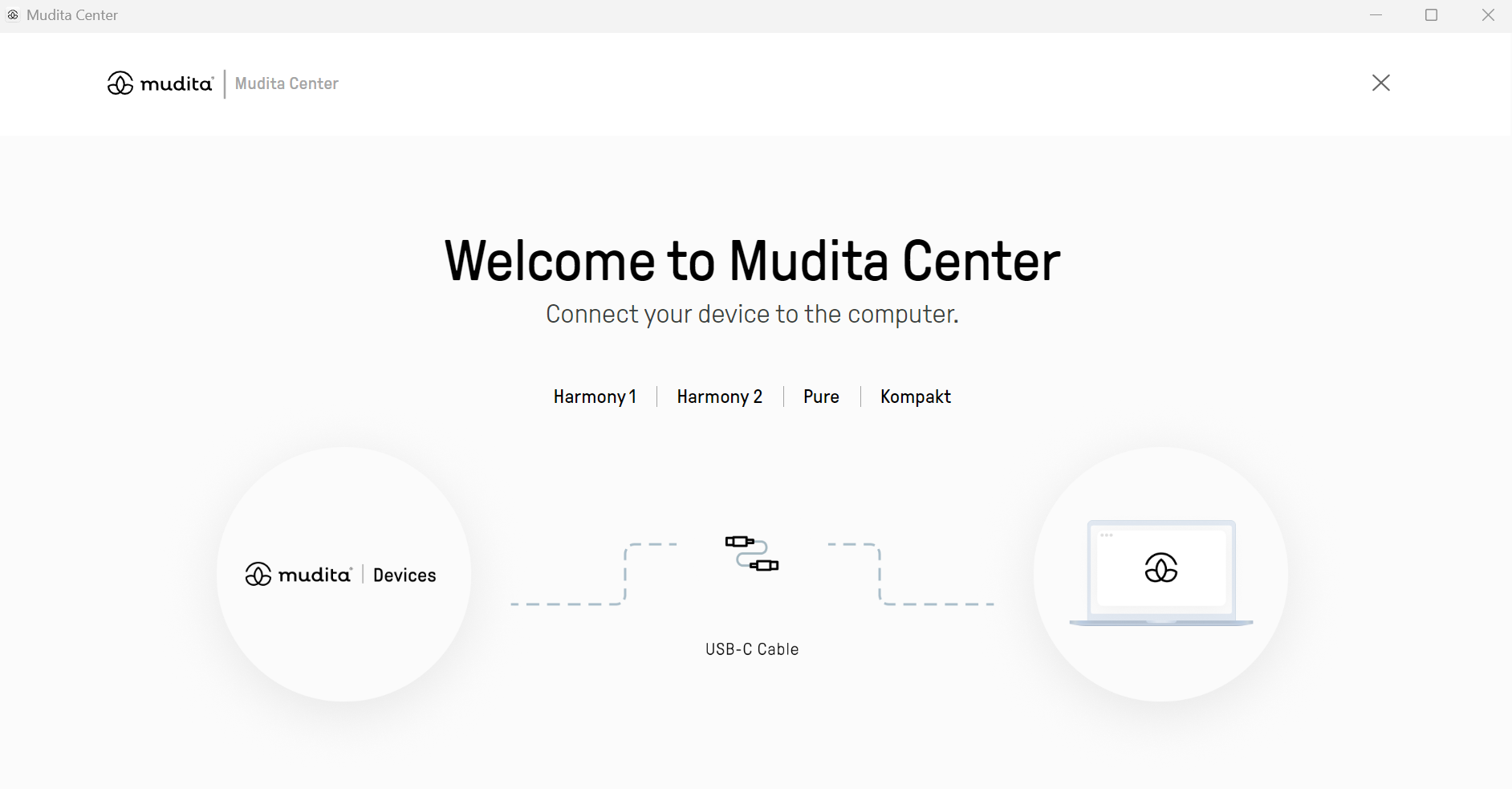
Step 1. Open Mudita Center and connect your device
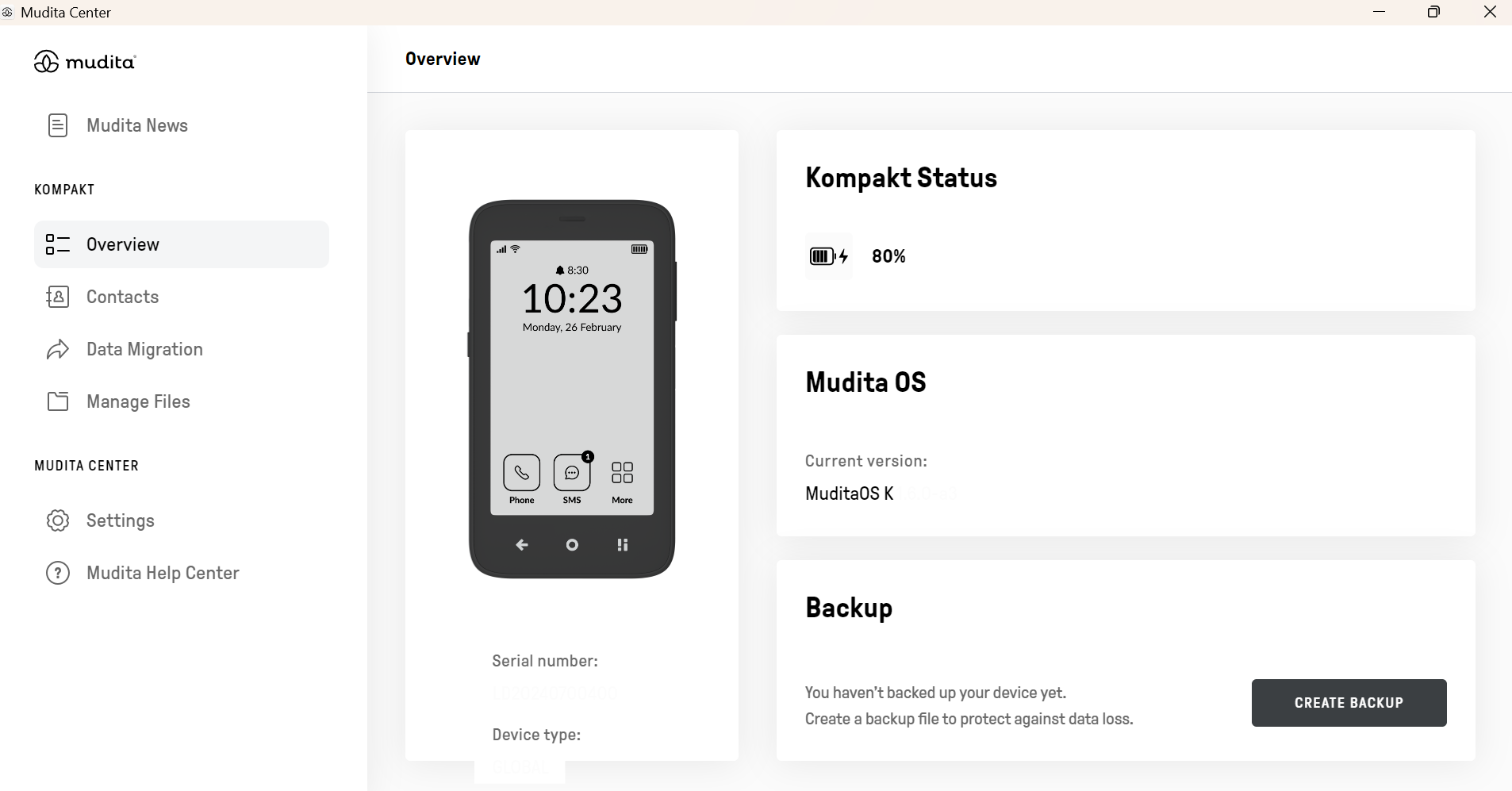
Step 2. Look under Your Kompakt -> Click Manage Files
Step 3. Click App installers
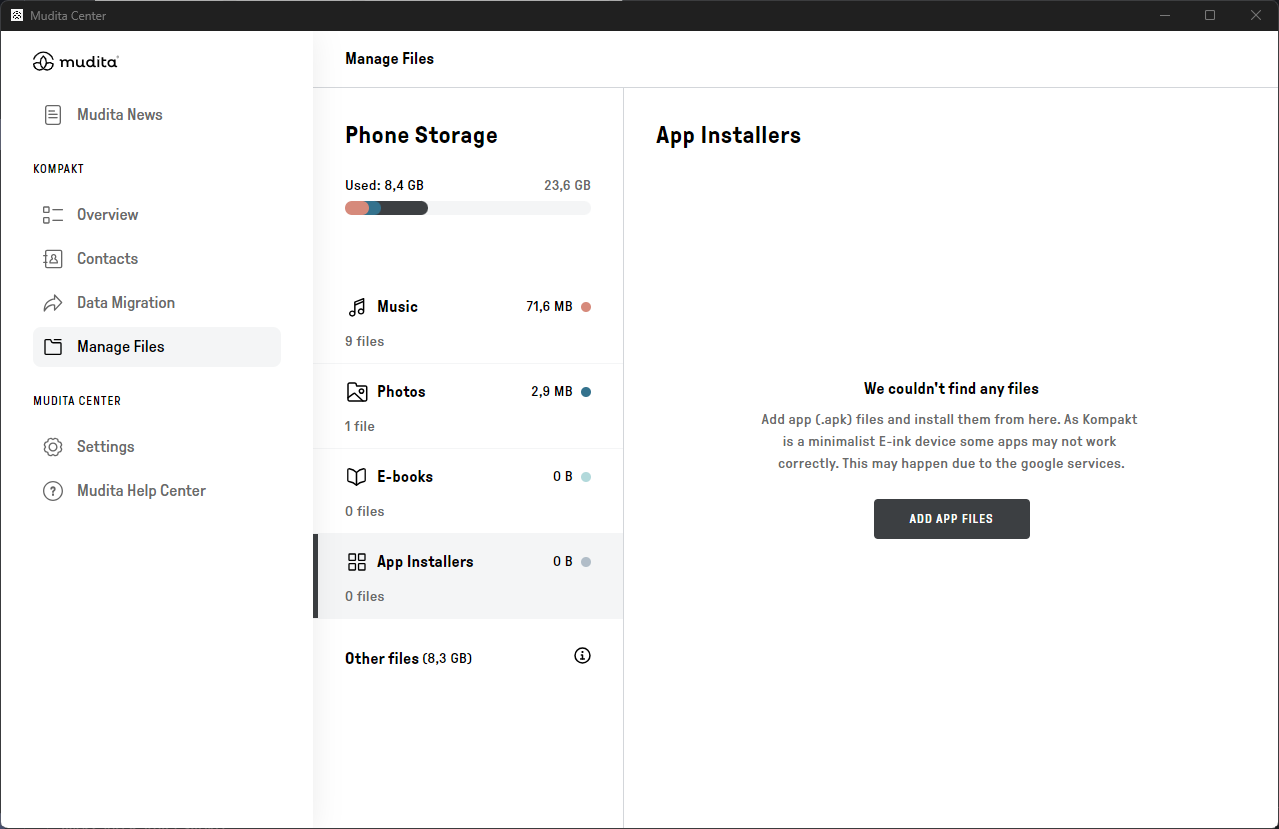 Step 4. Click Add file
Step 2. Look under Your Kompakt -> Click Manage Files
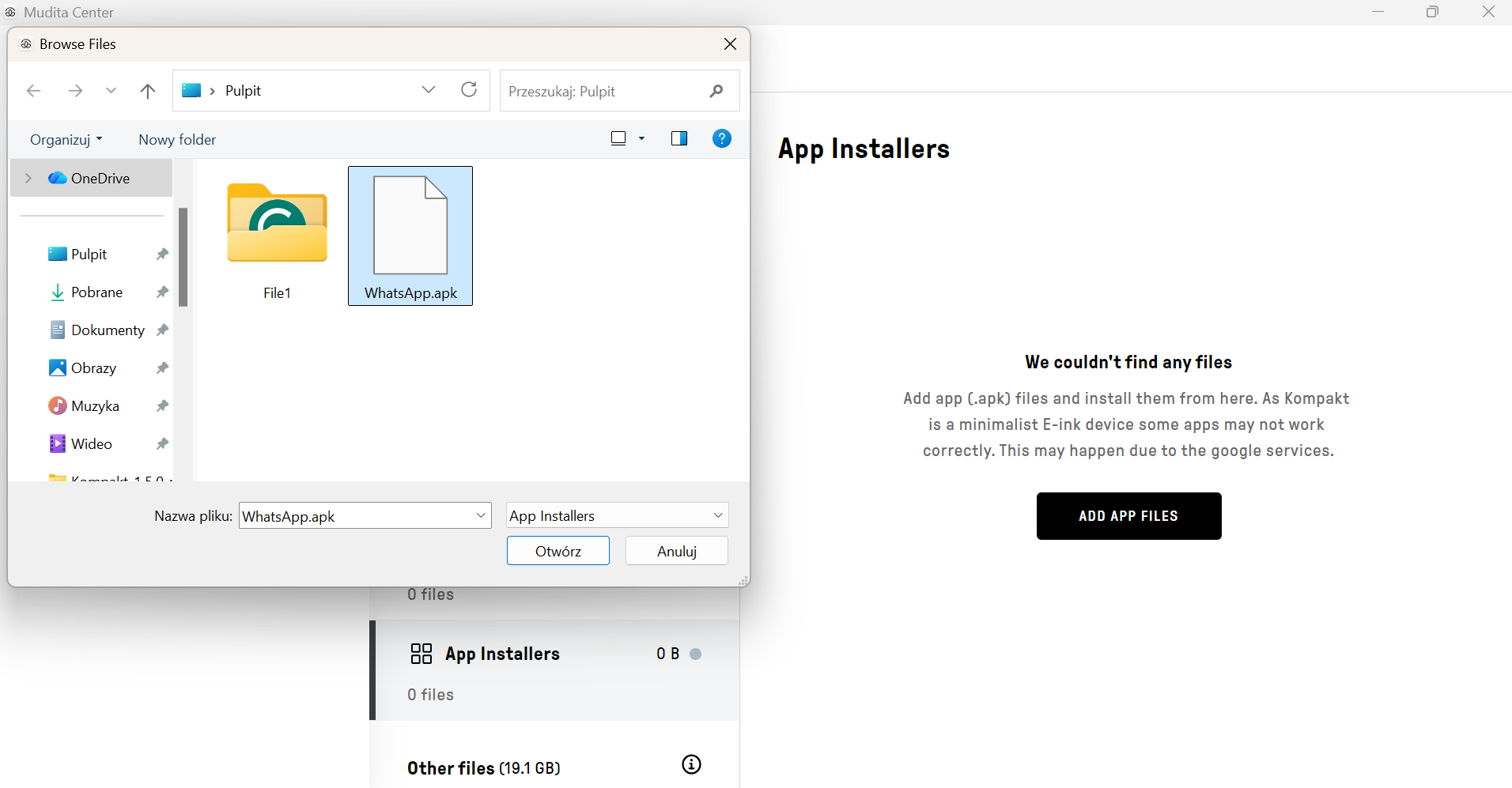
Step 5. Browse and select your .apk files to upload
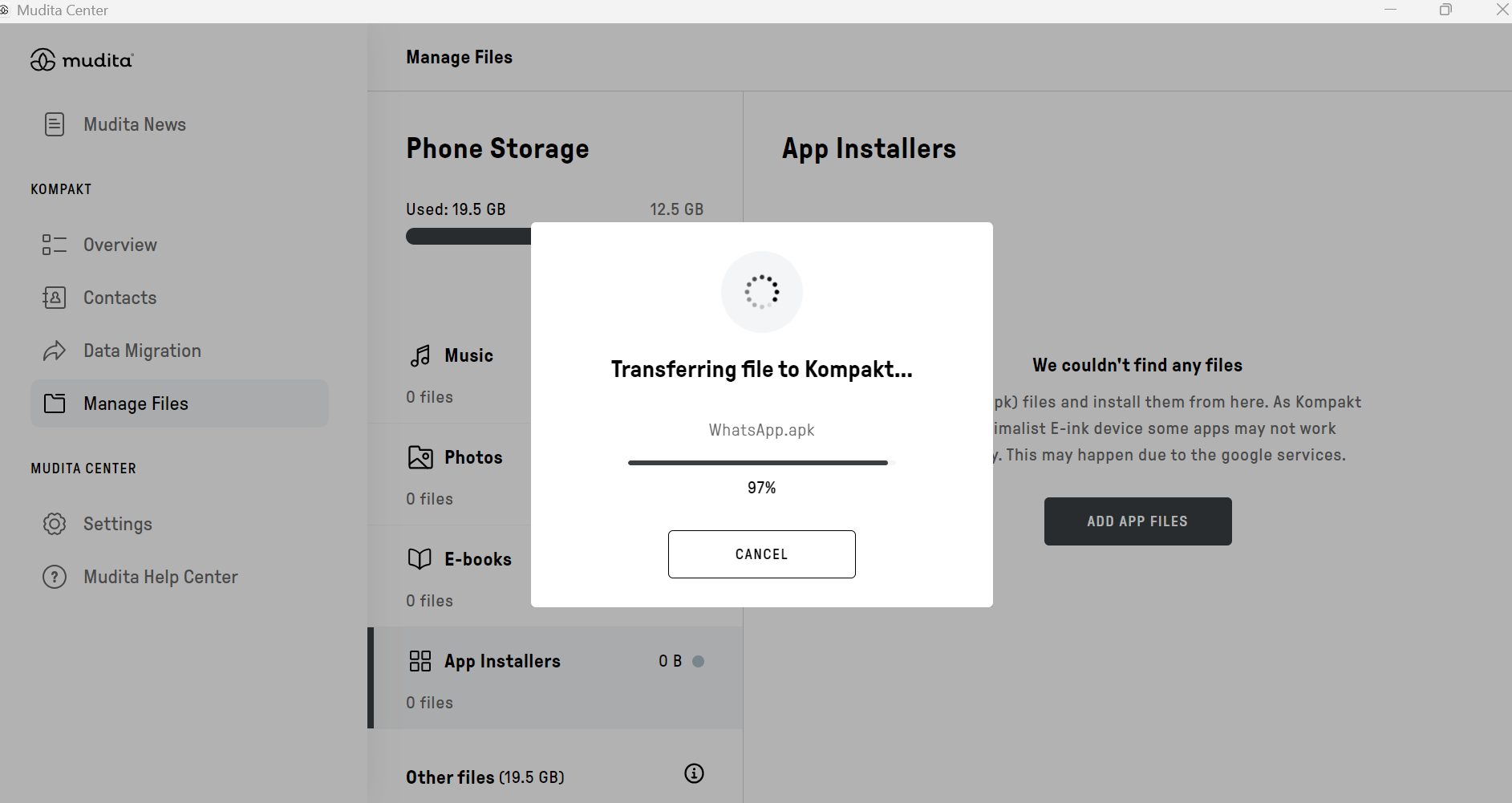
Step 6. Confirm the transfer to Kompakt
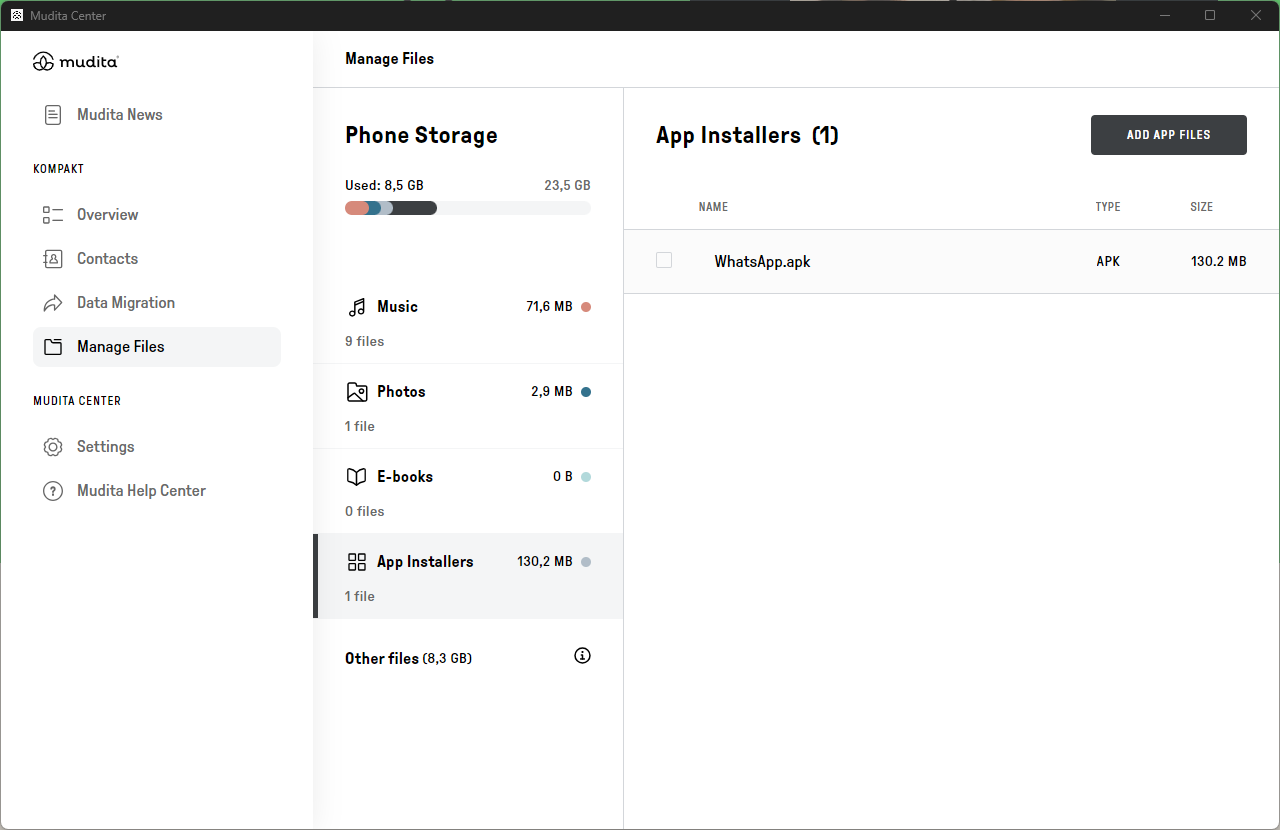
Step 7. Click on the .apk file
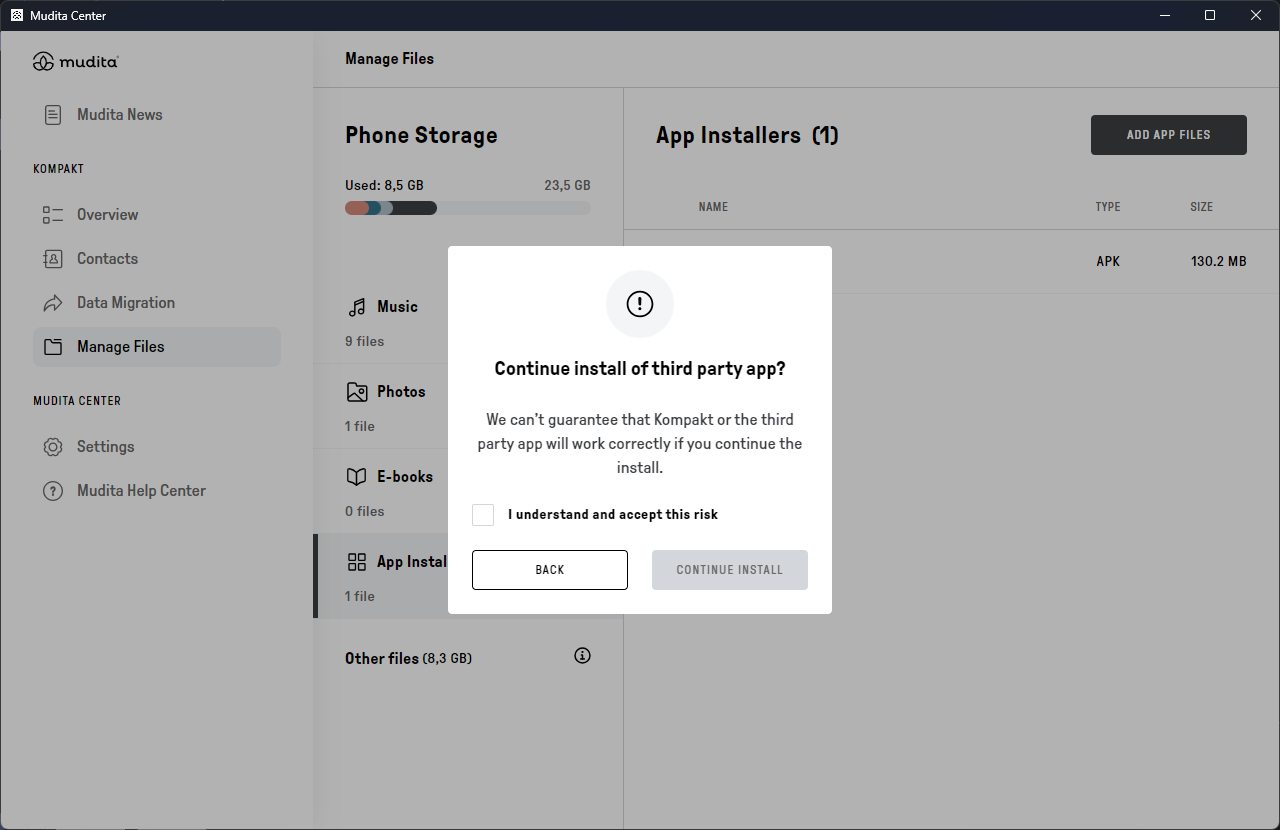
Step 7. Accept the risk of installation and confirm it
 Step 8. Installation complete. You can now close this window and start using the app on your Kompakt.
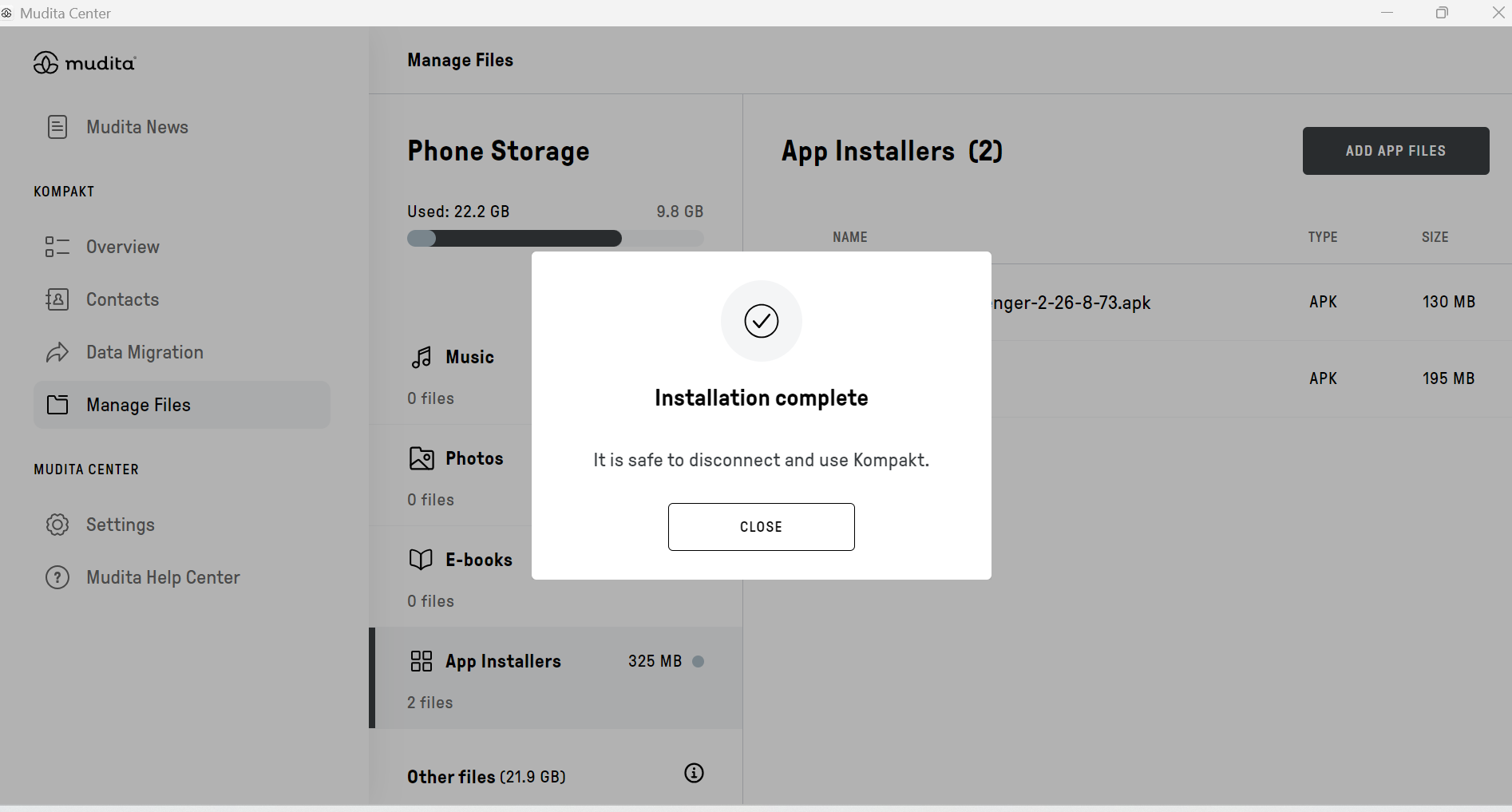
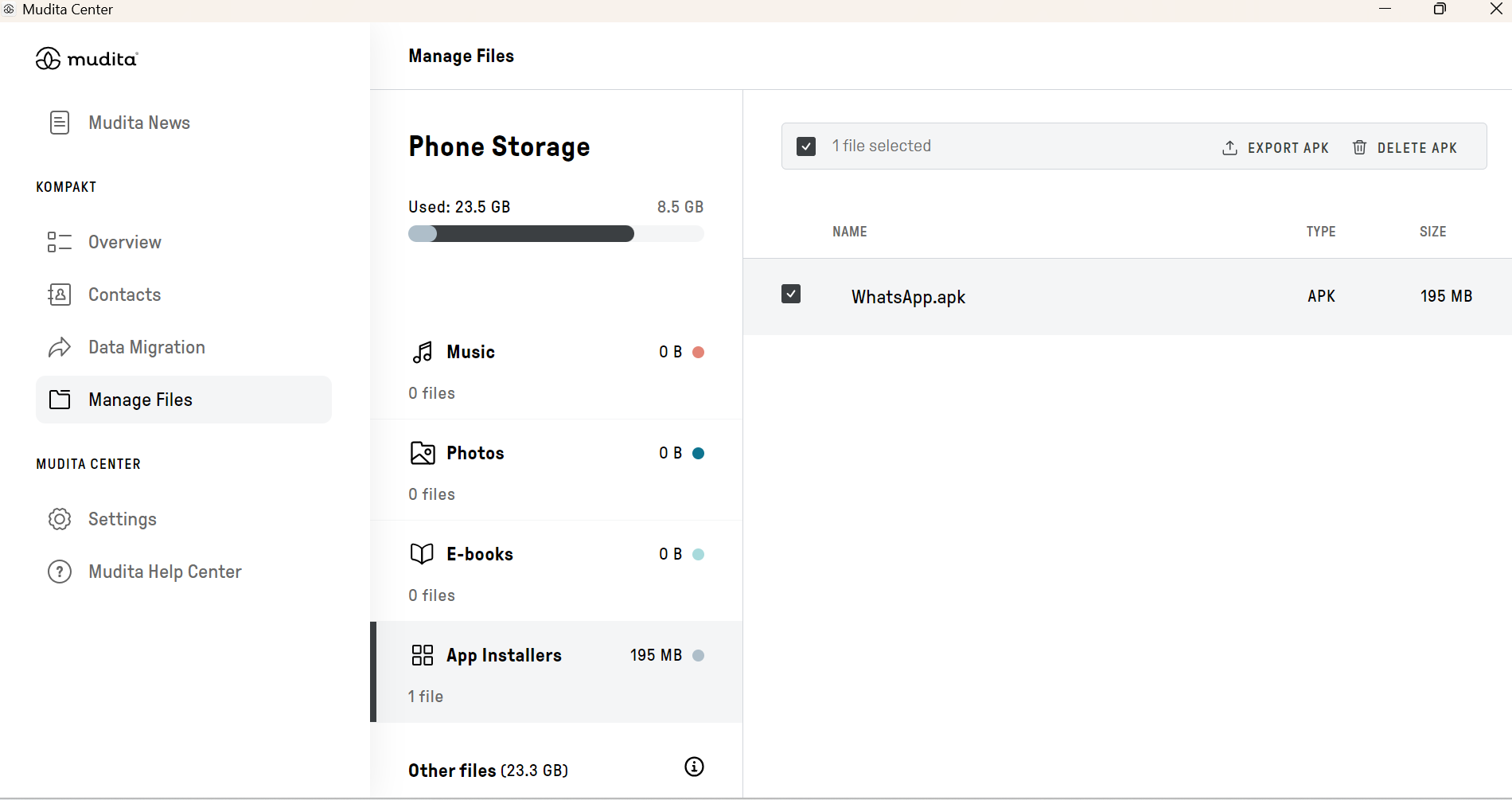
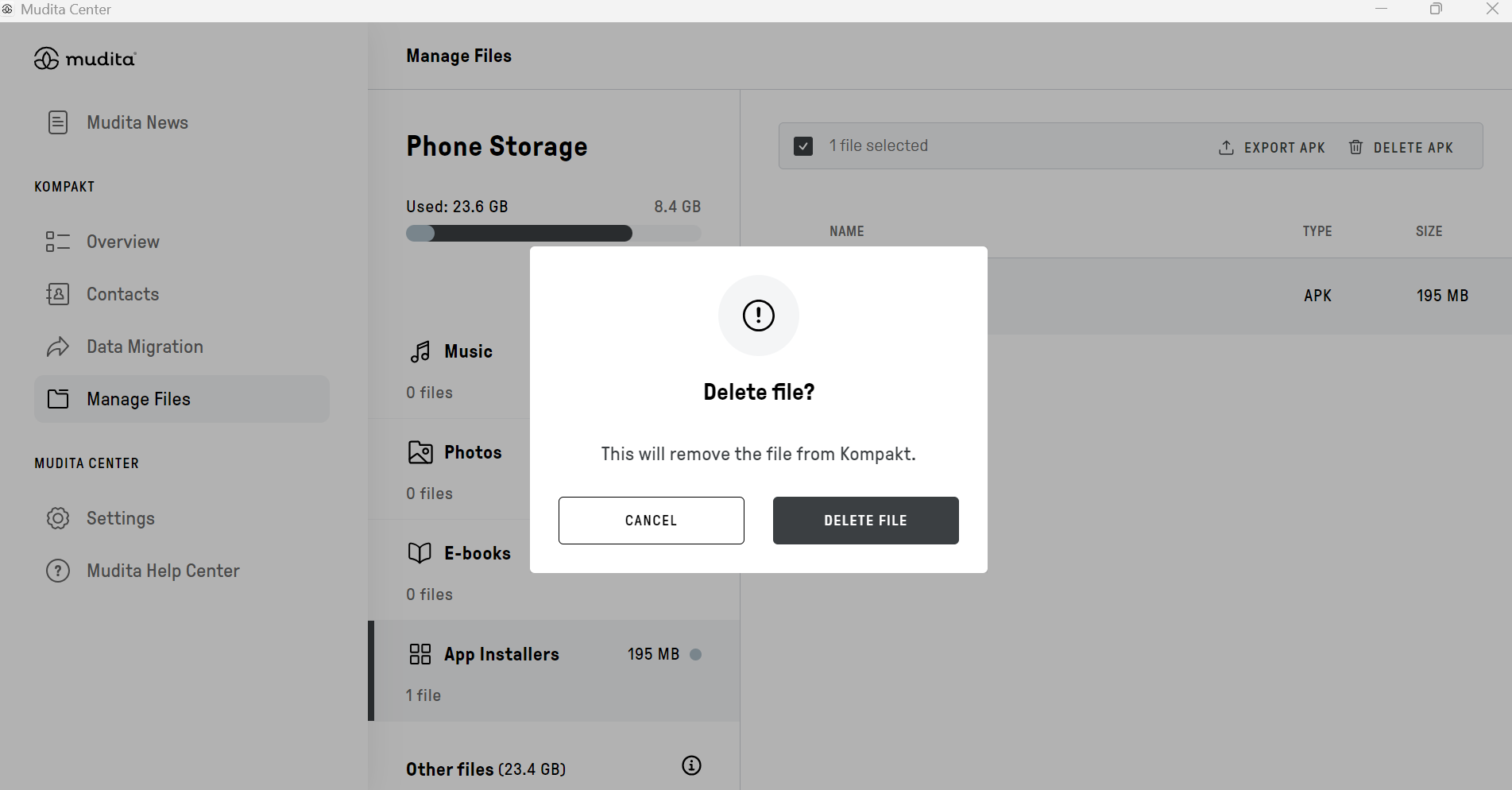
Step 9. You can safely remove the APK file to save space. Deleting this file does not affect the installed application